
What it does
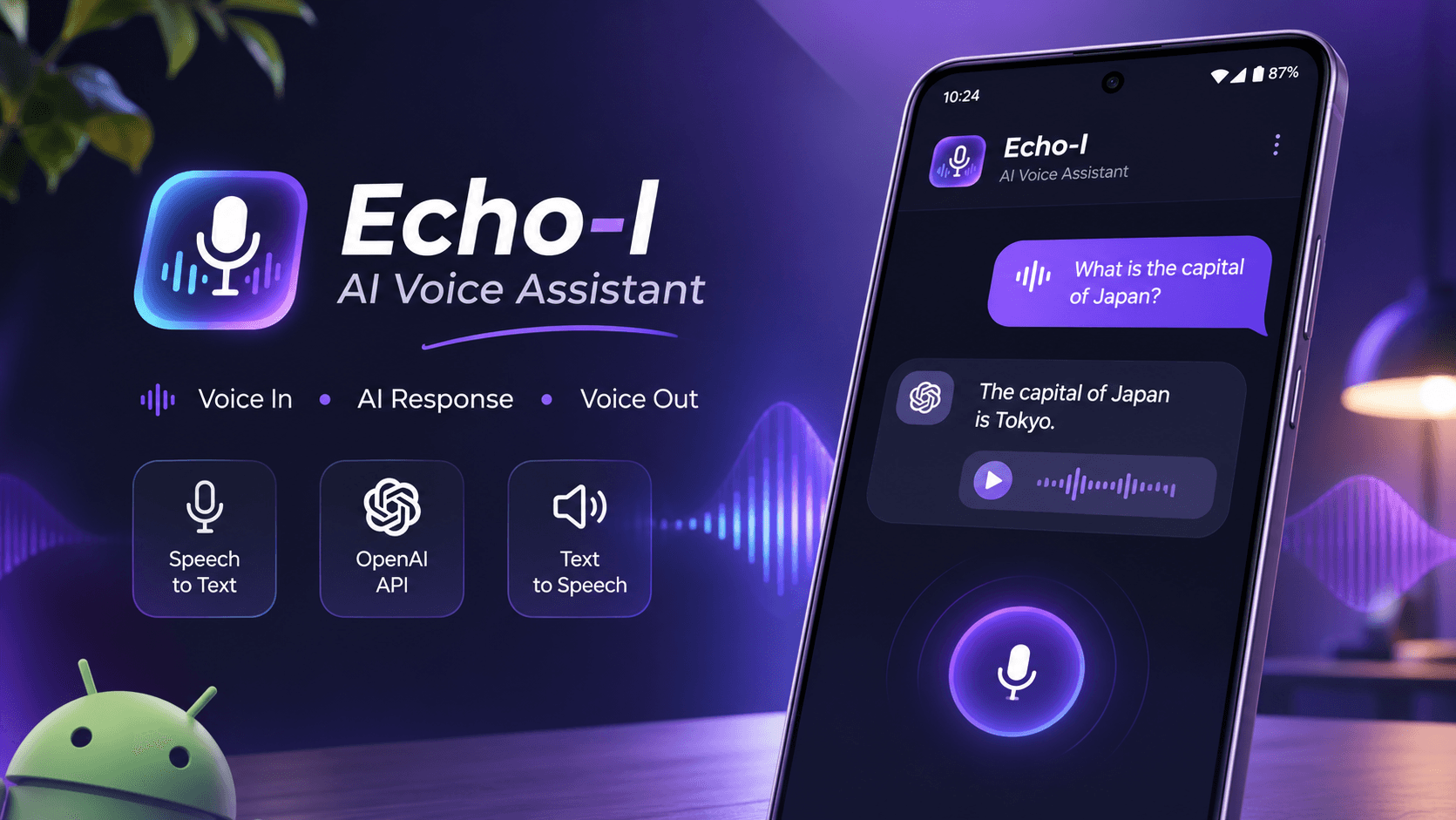
Ask a question out loud and Echo-I answers out loud. For example, "What is the capital of Japan?" gets the spoken reply "The capital of Japan is Tokyo."
How it works
- Android's SpeechRecognizer turns your voice into text.
- The text goes to the OpenAI API for an answer.
- Android's TextToSpeech reads the answer back.
How it's built
- Kotlin for app logic and API calls
- XML layouts for the interface
- OpenAI API, Android speech-to-text and text-to-speech
Problems I solved
- Getting the API integration working took about three days. I isolated it in a separate test project, fixed it there, then brought the fix back.
- Swapping the microphone button for a send button while typing, by watching the input field for changes.
- Replacing a buggy RecyclerView layout with CardViews, and fixing background colour animations by using colour references.
Next steps
Text chat, reading and summarising PDFs, more voices, and better memory across a conversation.